GTC.GTC.
Air-conditioning services and products, in one clear website.خدمات التكييف وأجهزته في موقع واحد واضح.
An Arabic website for an HVAC company that brings its services, product catalogue and product pages together, with an illustrative installment estimator and a separate control panel for content.موقع عربي لشركة تكييف يجمع خدماتها وكتالوج منتجاتها وصفحات تفاصيل الأجهزة، مع حاسبة توضيحية للأقساط ولوحة تحكم مستقلة لإدارة المحتوى.
Real website and CMS screenshots · Sample data where neededلقطات حقيقية من الموقع ولوحة الإدارة · بيانات تجريبية عند الحاجة
What the website does for the business.ماذا يقدّم الموقع للشركة؟
Visitors move from the service they need, to the unit they want to look at, to the team they can contact.ينتقل الزائر من الخدمة التي يحتاجها، إلى الجهاز الذي يريد الاطلاع عليه، ثم إلى الفريق الذي يتواصل معه.
Three key sections, one clear website.ثلاثة أقسام رئيسية في موقع واحد واضح.
A walk through the main pages, on desktop and mobile.جولة في أهم صفحات الموقع، على الكمبيوتر والموبايل.
01Services & productsالخدمات والمنتجات
Services and products, side by side.الخدمات والمنتجات جنبًا إلى جنب.
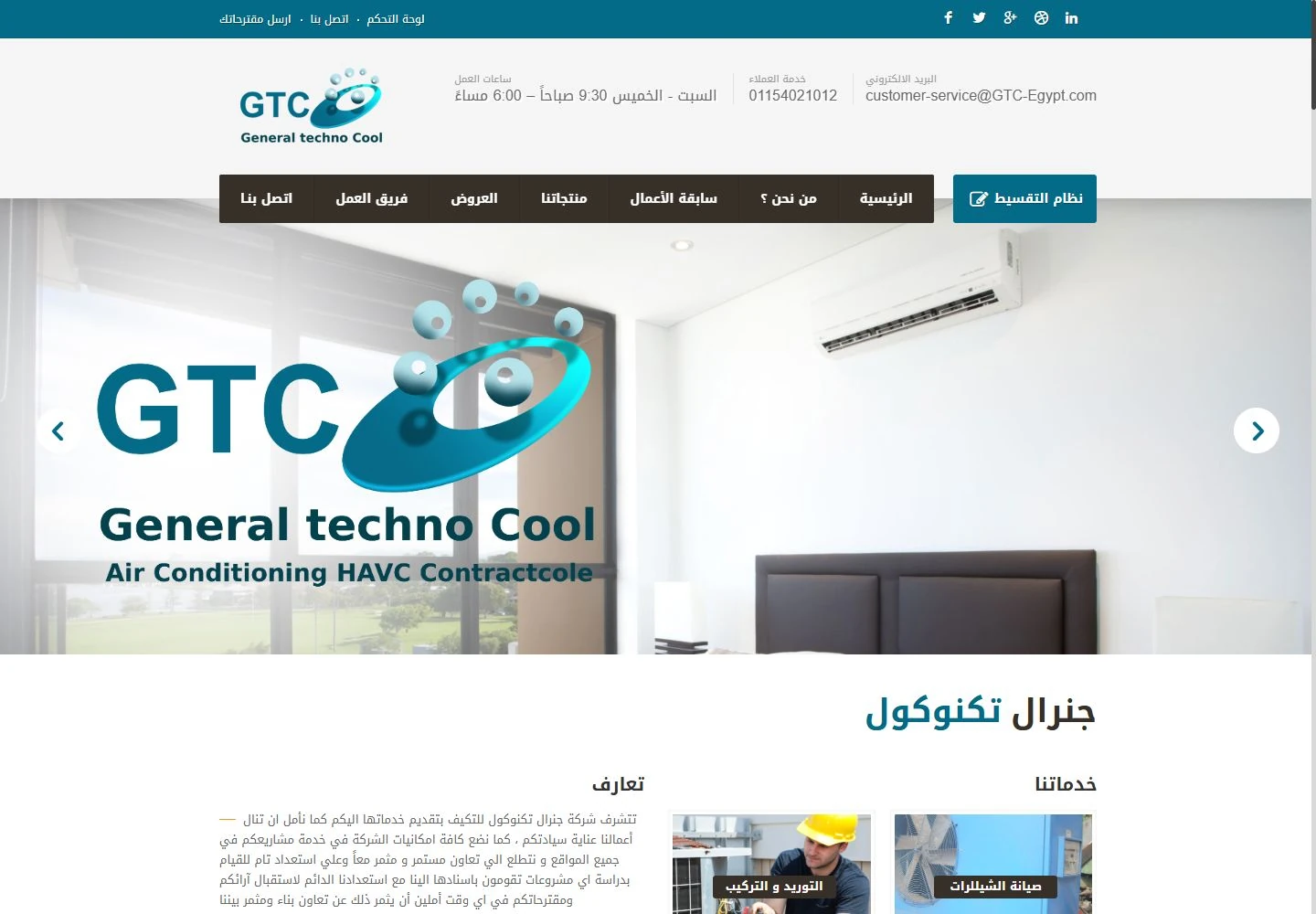
The website presents supply, installation and maintenance alongside the product range.يعرض الموقع خدمات التوريد والتركيب والصيانة إلى جانب تشكيلة المنتجات.
See all featuresكل المزايا بالتفصيل
Company servicesخدمات الشركة
Company pages introduce the air-conditioning services on offer.تعرّف صفحات الشركة بخدمات التكييف التي تقدمها.
Product catalogueكتالوج المنتجات
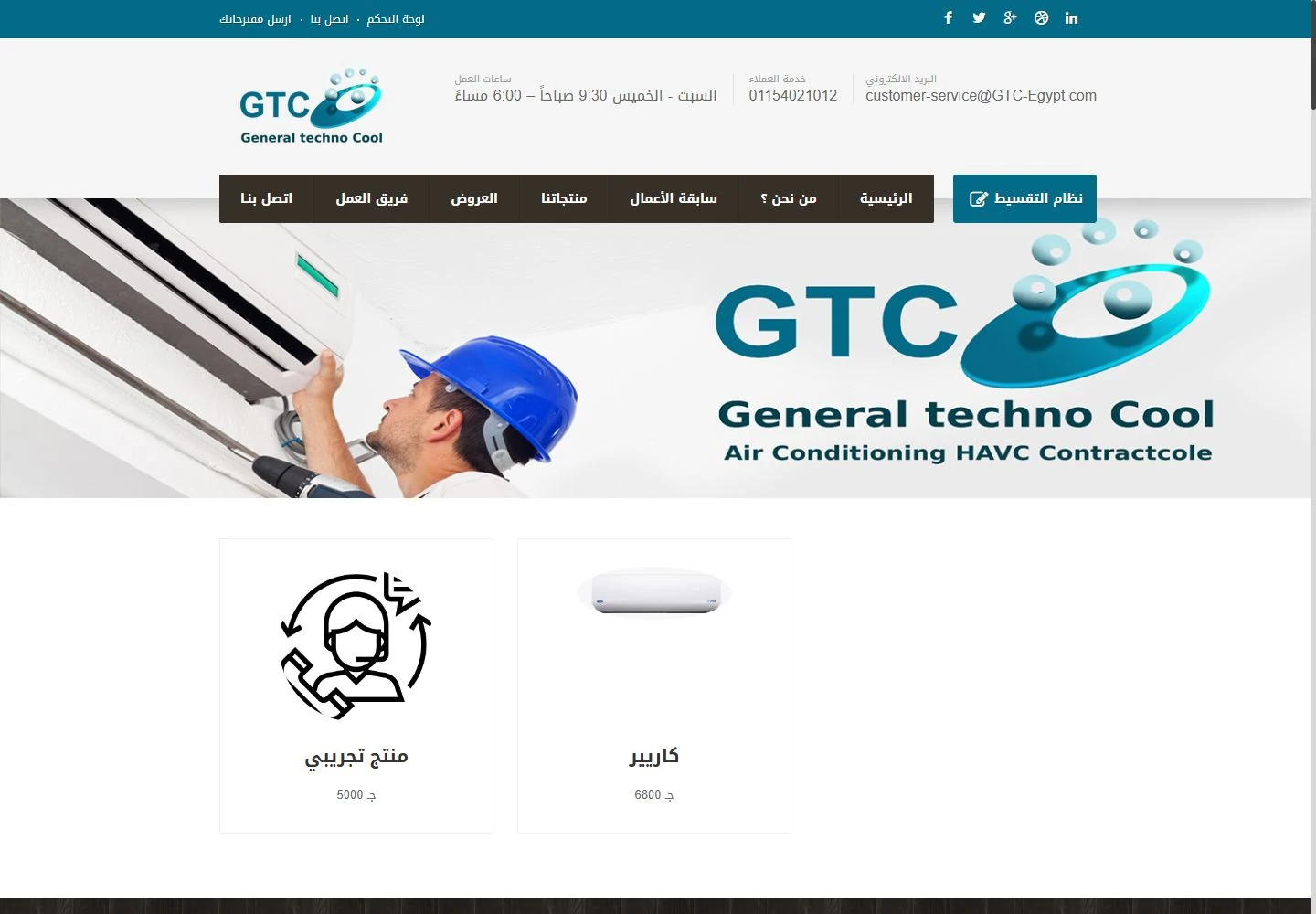
Browse the products, then open any unit for its own details page.تصفَّح المنتجات، ثم افتح أي جهاز لتصل إلى صفحة تفاصيله.
02Product pageصفحة المنتج
Check the unit, then try an installment estimate.راجِع الجهاز، ثم جرِّب تقدير الأقساط.
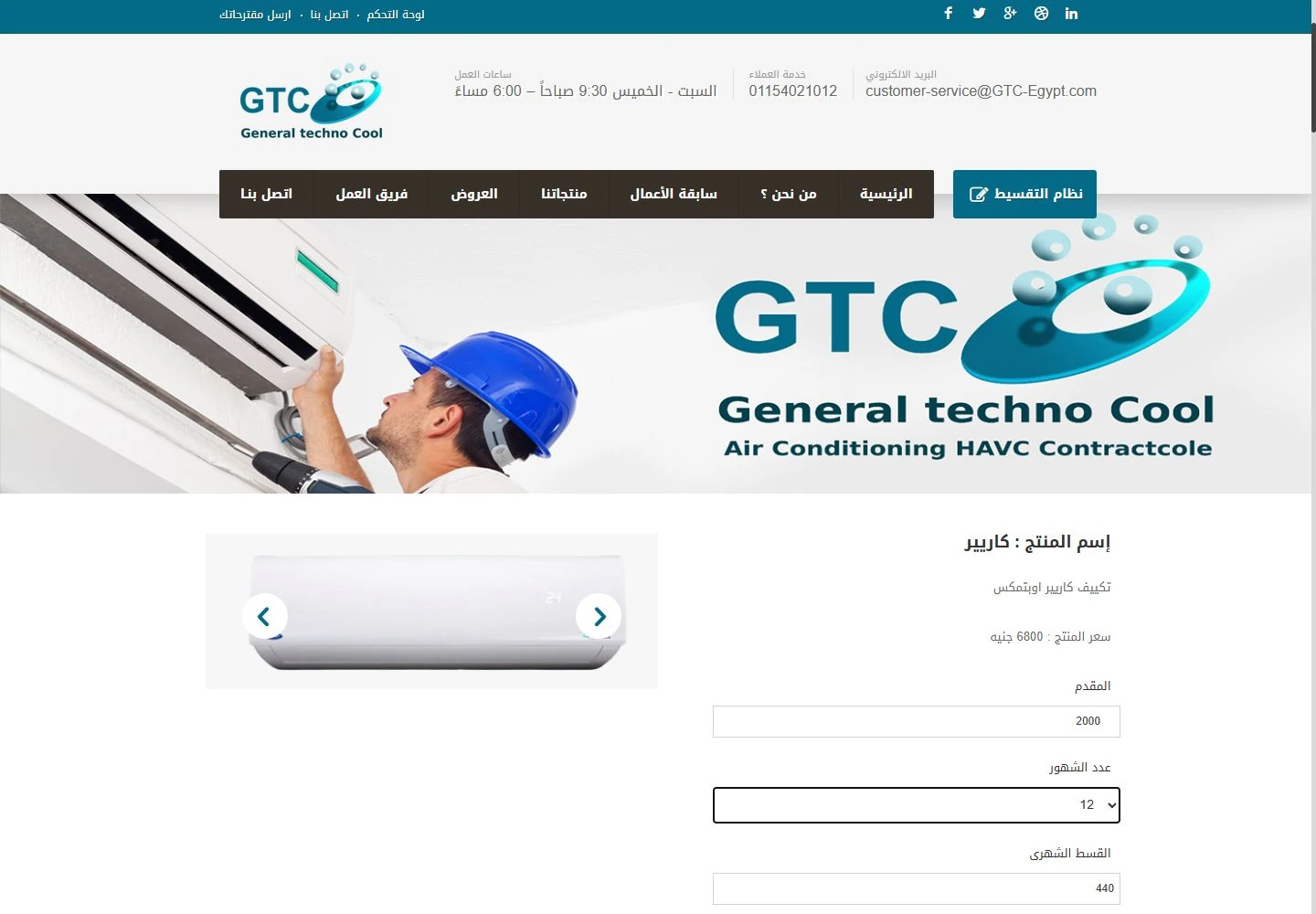
The product page brings the unit’s photos, its details and an installment estimator together.تجمع صفحة المنتج صور الجهاز وتفاصيله وحاسبة الأقساط في مكان واحد.
See all featuresكل المزايا بالتفصيل
Product detailsتفاصيل المنتج
Each unit’s details sit on a page of their own.لكل جهاز صفحة مستقلة تعرض تفاصيله.
Installment estimate (illustrative)تقدير توضيحي للأقساط
Visitors change the down payment and the number of months to see an estimate. The figures shown are demonstration values only.يغيّر الزائر قيمة المقدم وعدد الأشهر ليرى تقديرًا للقسط، والأرقام المعروضة قيم توضيحية فقط.
03Admin & mobileالإدارة والهاتف
A catalogue you can update, a site that fits the phone.كتالوج تحدّثه بنفسك، وموقع يناسب شاشة الهاتف.
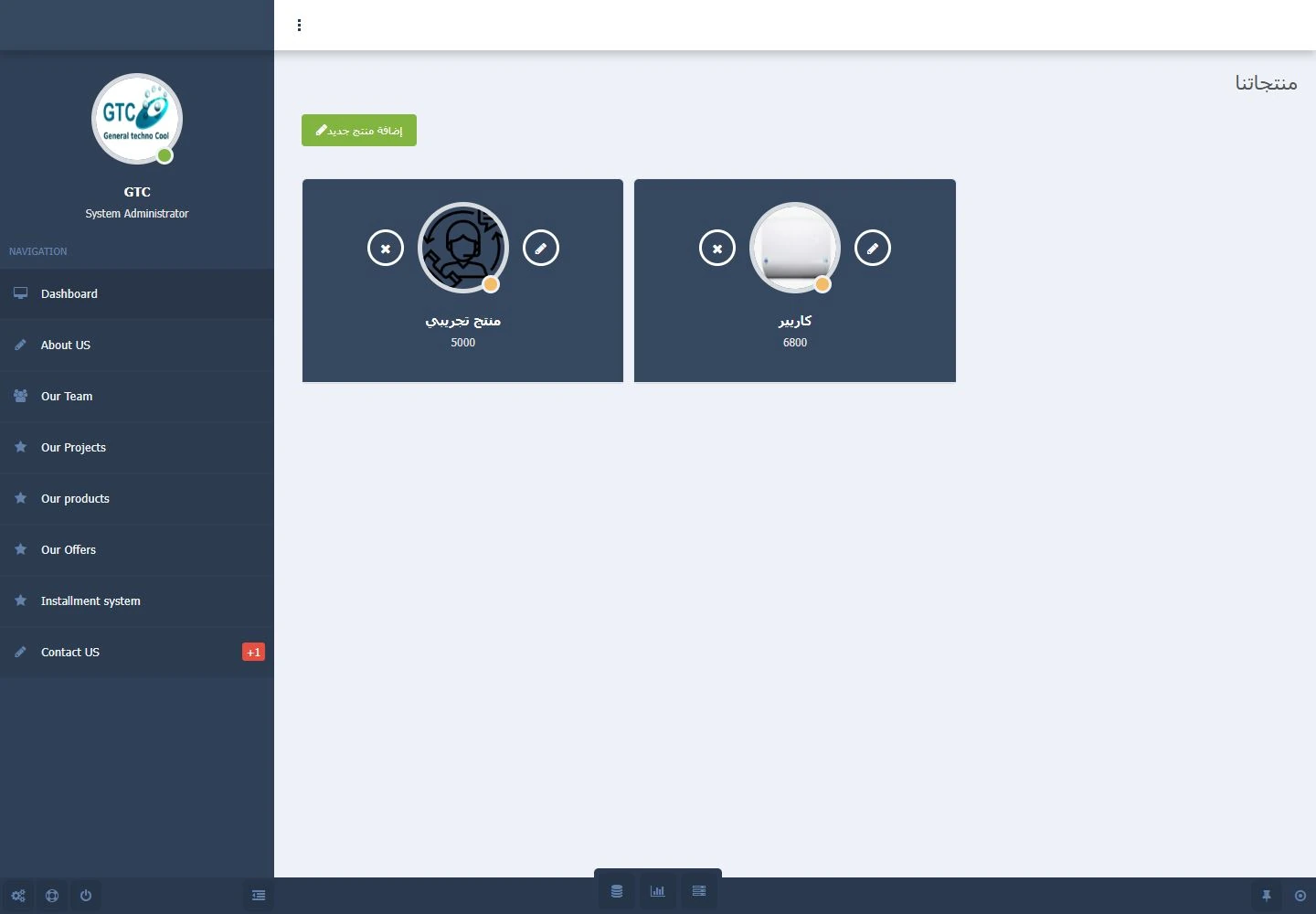
From the CMS, the team updates what visitors see, while the site adapts to phone screens.من لوحة الإدارة يحدّث الفريق ما يراه الزوار، بينما يتكيّف الموقع مع شاشات الهواتف.
See all featuresكل المزايا بالتفصيل
Product managementإدارة المنتجات
The control panel gives each product group its own menu entry.لكل مجموعة منتجات مدخل مستقل في لوحة التحكم.
On the phoneعلى الهاتف
The phone menu takes visitors to the company pages and the catalogue.تتيح قائمة الهاتف للزائر الوصول إلى صفحات الشركة والكتالوج.
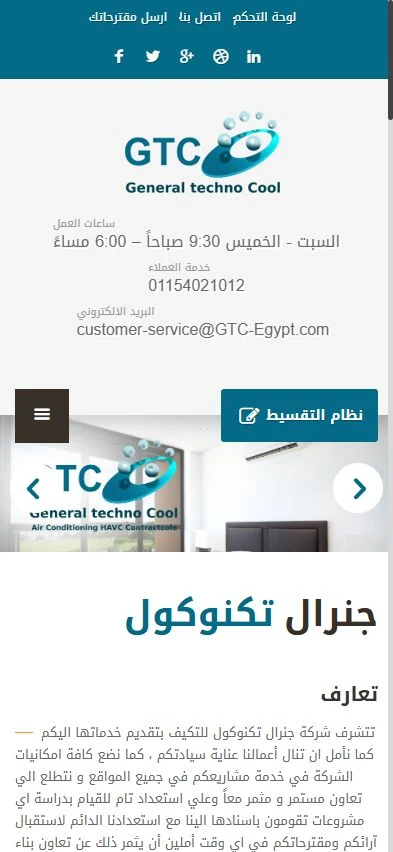
See the website for yourself.شاهد الموقع بنفسك.
5 real screenshots from the website and its control panel. Open any image, zoom in on the details and browse them all.٥ لقطات حقيقية من الموقع ولوحة التحكم. افتح أي صورة، وكبِّر التفاصيل، وتنقّل بين الصور كلها.
Showing 5 of 5عرض ٥ من ٥
What these screens show — and what they don’t.ما تعرضه هذه الصور، وما لا تعرضه.
The public pages and the CMS were reviewed on a local copy with sample catalogue records. The installment estimator was tried as an illustrative calculator only. No finance agreement, checkout, external enquiry or real pricing was verified.رُوجِعت الصفحات العامة ولوحة الإدارة على نسخة محلية ببيانات كتالوج تجريبية، وجُرِّبت حاسبة الأقساط كأداة توضيحية فقط. ولم يتم التحقق من أي تعاقد تمويل أو إتمام شراء أو استفسار خارجي أو أسعار فعلية.